
01
Identify the origin
Connect the incoming grapes to your vineyard parcels or record the supplier of a purchase.
HARVEST MANAGEMENT & GRAPE RECEPTION
Bring your own harvests and purchased grapes or must into one overview. Record where each batch comes from, follow the quantities processed and keep the link to the cellar.
Meet Camille. Demos in English, Dutch and French.
FOLLOW THE HARVEST WORKFLOW
Choose a step to see how harvest records connect. This example illustrates the workflow; it is not a live customer record.
01
Connect the incoming grapes to your vineyard parcels or record the supplier of a purchase.
02
Give each harvest or purchase batch its own name and date, with the information your team records at reception.
03
Add the recorded weight and review how much of the batch has been processed through later steps.
04
Register the transfer of grapes or must to a storage unit and link it to a new or existing cellar batch.
05
Review the transfers or sales linked to the original batch, with their dates and recorded quantities.
TWO SOURCES. ONE OVERVIEW.
Your winery may receive grapes from its own parcels and from suppliers. Keep the origin visible for both, then follow the recorded steps towards the cellar.
01
Register the harvest with its vineyard or parcel origin and the information collected by your team.
02
Register purchased grapes or must with their supplier and origin, alongside your own harvest records.
03
Follow the resulting cellar batches back to the harvest or purchase batches that contributed to them.
KEEP THE HANDOVER CLEAR
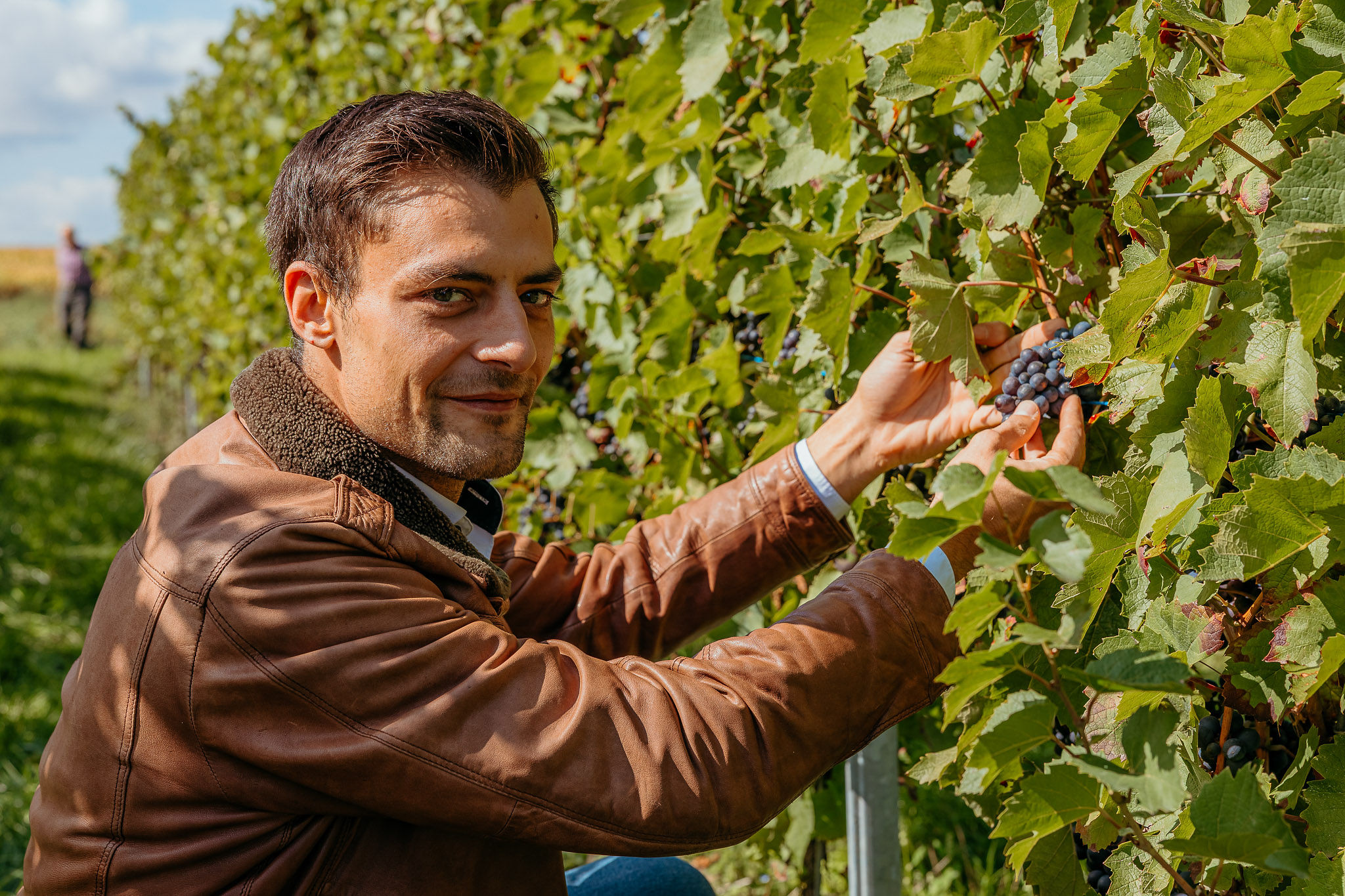
Which batch came from which parcel or supplier? What quantity was recorded? Which cellar batch received it? Find the answers through connected harvest and post-harvest records.
Review the harvest overview, the linked transfers and sales, and the resulting cellar batches. The information available depends on what your team has recorded.
Explore wine traceabilityQUESTIONS ABOUT HARVEST MANAGEMENT
Yes. The harvest module brings together your registered harvests and purchases of grapes or must, while keeping their origins identifiable.
Yes. Register a transfer to a storage unit and connect it to a new or existing cellar batch. The linked records remain part of the production history.
The harvest overview shows the recorded batch information and the portion processed through post-harvest steps. Open a batch to review its linked transfers or sales.
Yes. Bring an example of your own harvests, grape purchases and transfers to the cellar. We can explore your workflow in a 30-minute demo.
LET’S CONNECT YOUR HARVEST
Show us how grapes arrive at your winery today. Explore how Trace Your Craft could organise the records from reception to the cellar in a 30-minute demo.
Choose a time with CamilleDemos in English, Dutch and French. The calendar opens in a new tab.